
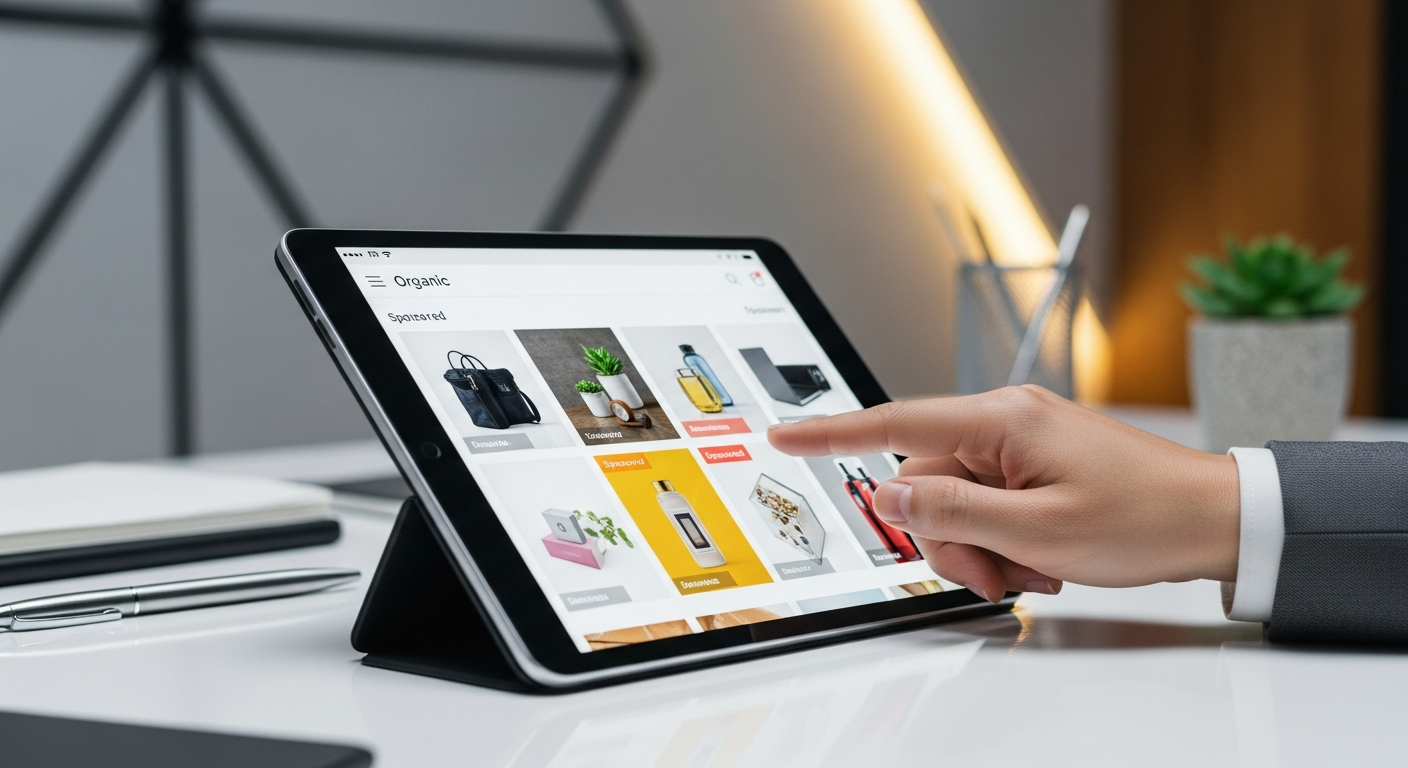
Eliminating Sponsored Ads on Amazon: Step-by-Step Guide
Table of Contents Show
Navigating Amazon’s vast marketplace can often feel overwhelming, especially when sponsored ads clutter your shopping experience. If you are looking to clear your Amazon interface of these interruptions, you are not alone. In this guide, we will explore effective strategies to reduce or eliminate sponsored ads from your Amazon experience, focusing on both in-browser solutions and app-based tactics.
Understanding Sponsored Ads on Amazon
Before diving into solutions, it is crucial to understand what sponsored ads are and why they appear. Sponsored ads on Amazon are paid advertisements that vendors use to promote their products. These ads are strategically placed on product pages and search results to increase visibility and sales. While beneficial for sellers, they can be distracting for users who prefer an ad-free experience.
Adjusting Amazon Settings
The first step to minimizing ads is tweaking your Amazon account settings. While Amazon does not offer a direct ‘turn-off’ switch for ads, you can manage your ad preferences:
1. Manage Ad Preferences: Go to your Amazon account settings and find ‘Advertising Preferences.’ Here, you can adjust the settings to limit interest-based ads. Although this will not completely remove ads, it will reduce their frequency.
2. Use Amazon’s Ad-Free Services: Consider subscribing to Amazon Prime or Kindle Unlimited, which offer some ad-free content options. While this does not eliminate all ads, it reduces their presence in certain content areas.
Using Browser Extensions
For those browsing Amazon on a desktop, browser extensions can be a powerful tool:
1. Ad Blockers: Popular ad blockers like AdBlock or uBlock Origin can significantly reduce the number of ads. These extensions work by filtering out ad scripts before they load on your page.
2. Custom Filters: Customize your ad blocker to specifically target Amazon ads. This involves adding specific filters that block Amazon’s sponsored ad URLs.
Mobile Solutions
Handling ads on the Amazon app is a bit more challenging, but there are still steps you can take:
1. Ad-Free Browsers: Use mobile browsers with built-in ad-blocking features, such as Brave or Firefox with add-ons. While this requires accessing Amazon through a browser rather than the app, it provides a cleaner experience.
2. Limit App Permissions: Go to your mobile device’s settings and adjust app permissions to reduce tracking. This can indirectly reduce the personalization of ads you see.
Comparing Tools and Strategies
Here’s a quick comparison of the tools and strategies you can use to manage Amazon ads:
| Strategy | Effectiveness | Ease of Use | Cost |
|---|---|---|---|
| Manage Ad Preferences | Moderate | Easy | Free |
| Amazon Prime/Kindle Unlimited | Moderate | Easy | Subscription |
| Ad Blockers | High | Moderate | Free/Paid |
| Custom Filters | High | Moderate | Free |
| Ad-Free Browsers | High | Moderate | Free |
Frequently Asked Questions
How do Amazon ads affect my shopping experience?
Amazon ads can clutter your browsing experience, making it harder to find organic search results and potentially influencing buying decisions through promoted products.
Are ad blockers safe to use with Amazon?
Yes, ad blockers like AdBlock or uBlock Origin are generally safe. They focus on filtering out unwanted scripts and do not interfere with your personal data.
Can I remove ads from the Amazon app?
While you cannot directly remove ads from the Amazon app, using ad-free browsers or adjusting app permissions can reduce their impact.
Is there a way to block ads without affecting Amazon’s functionality?
Yes, by using reputable ad blockers and customizing filters, you can block ads without impacting Amazon’s core functionalities like search and purchase.
Conclusion
Reducing sponsored ads on Amazon can significantly enhance your shopping experience, making it more streamlined and less cluttered. By managing your ad preferences, utilizing browser extensions, and exploring app-based solutions, you can tailor your Amazon experience to better suit your needs. If you are looking to delve deeper into ad strategies on Amazon, consider exploring How Sponsored Ads Work on Amazon, which offers insights into the mechanisms behind these ads and how they impact sellers and consumers alike.
References
– How Sponsored Ads Work on Amazon
– Amazon Sponsored Brand Ads: Strategies for 2026 Success
– Understanding Amazon DSP Ads: Strategies and Insights
– Launching a Product on Amazon: Your Ad Strategy Guide
– Boosting Sales with Amazon Sponsored Products in 2026
– How much are Amazon Ads? Amazon Advertising Cost: 2026